Serial No. 61
Computer Mouse (SolidWorks 2014 Tutorial)
part/assembly modelling tutorial of SolidWorks we will create a model named ‘Computer
Mouse ‘which is quite similar to Wacom Intuos 2 Mouse. The assembly of this model is created using four components. Following
exploded view of the model shows it clearly.
 |
|
Exploded View of Computer Mouse with SolidWorks
|
First
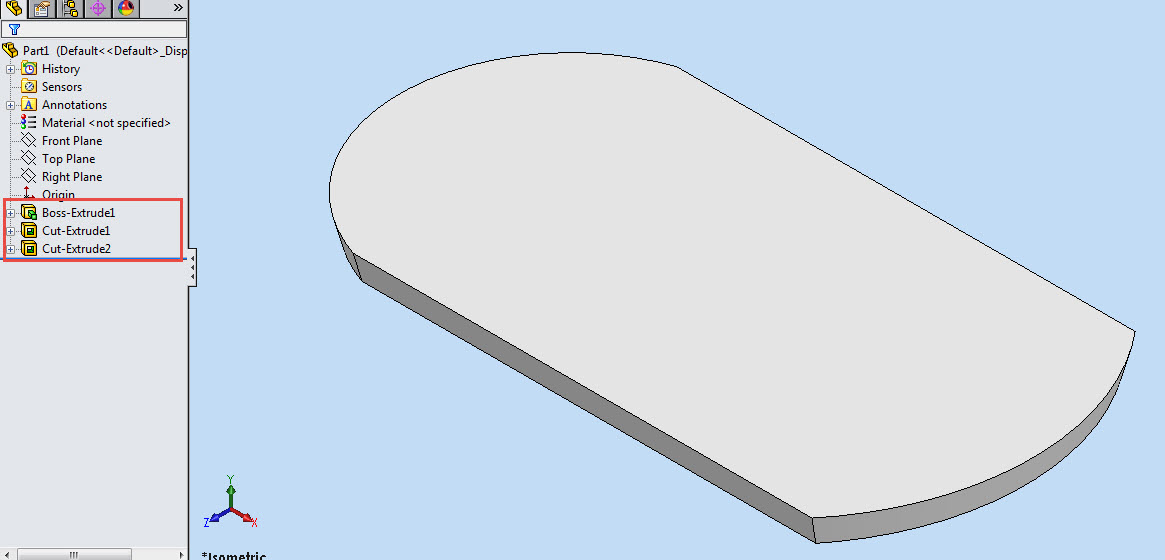
part is quite simple after some basic sketching we will start our work using Extruded
Boss/Base tool with a draft
angle outward command. Then two extruded cut feature will be applied to complete
the component.
 |
| First Component of Computer Mouse with SolidWorks |
Then
the first component will be placed in the assembly and the next component will be created
in the context of first part. Later some
sketches will be created on different planes and a Lofted Base/Boss feature
will be used to form a sold. Then a Shell feature will be applied to hollow
the part. Next some planes will be created, to be used as Trimming Surfaces in Split
solid feature command. Then the model displayed will be trimmed according to the design requirement. This would convert the component in a multi body part.
This section of the tutorial displays the application
of Split solid feature in a very professional manner . Later some Surfaces will also be
created to be used as Trimming Surfaces in the aforesaid
feature. In the end all the remaining bodies will be combined. Again some Extruded
Cut feature will be applied to create holes for side buttons.
 |
| Second component of the assembly of computer mouse |
Computer Mouse. We will use configuration manager option of SolidWorks to
create the next part to save time. Watch the tutorial to understand it more.

is no need to discuss them right now. Just watch everything in action the video
is available below.

Click the following link to get the model file: – http://bit.ly/2pFjUqE